
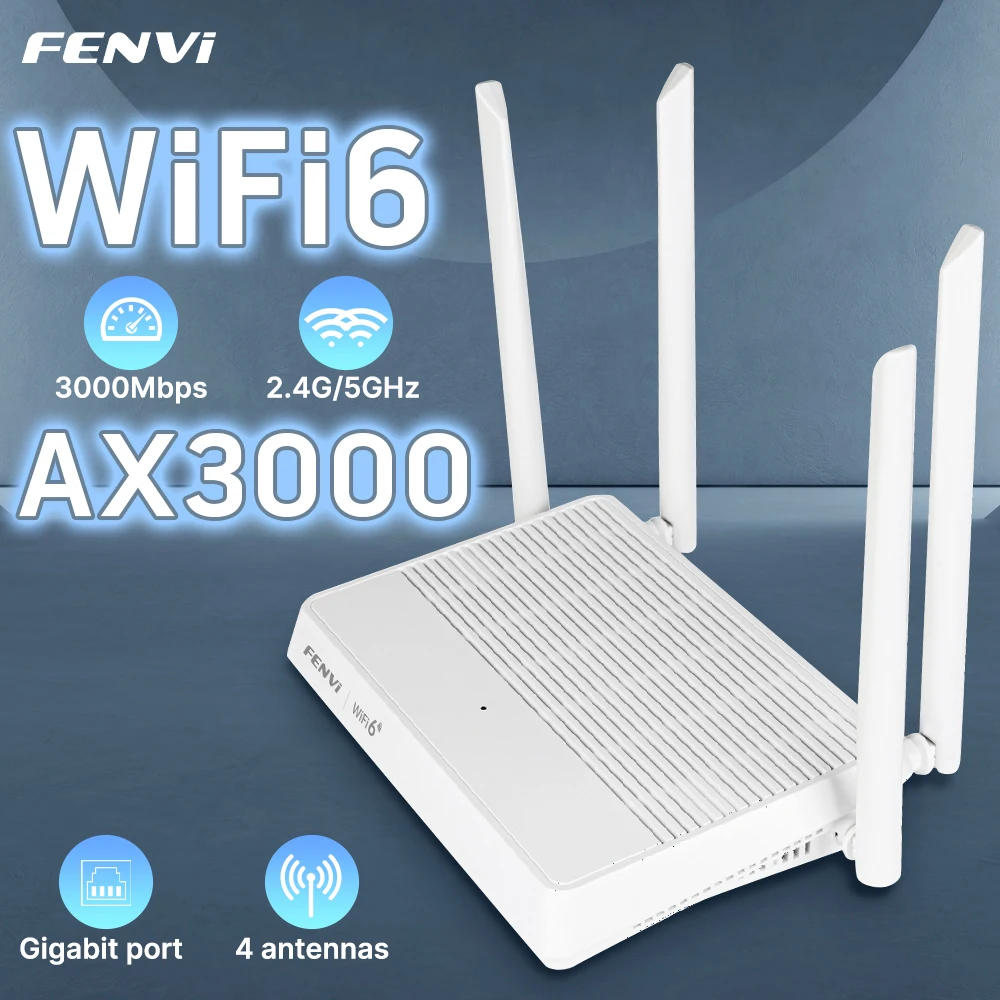
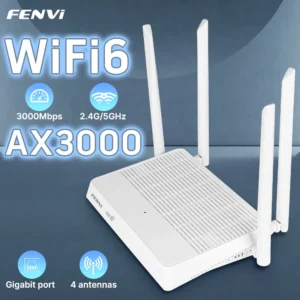
FENVI AX3000 WIFI6 Router Gigabit 2.4G/5GHz 802.11AX Wireless Signal Amplifier Booster WPA3 EasyMesh Gigabit 5G Router For Home
Price range: د.إ143.36 through د.إ149.68
- High-concerned chemical: None
- 5G Wi-Fi Transmission Rate: 2167Mbps
- Wired Transfer Rate: 10/100/1000Mbps
- 2.4G Wi-Fi Transmission Rate: 600mbps
- Wi-Fi Supported Frequency: 2.4G & 5G
- Supports WPS: Yes
- Supports WDS: No
- Number of USB Interfaces: None
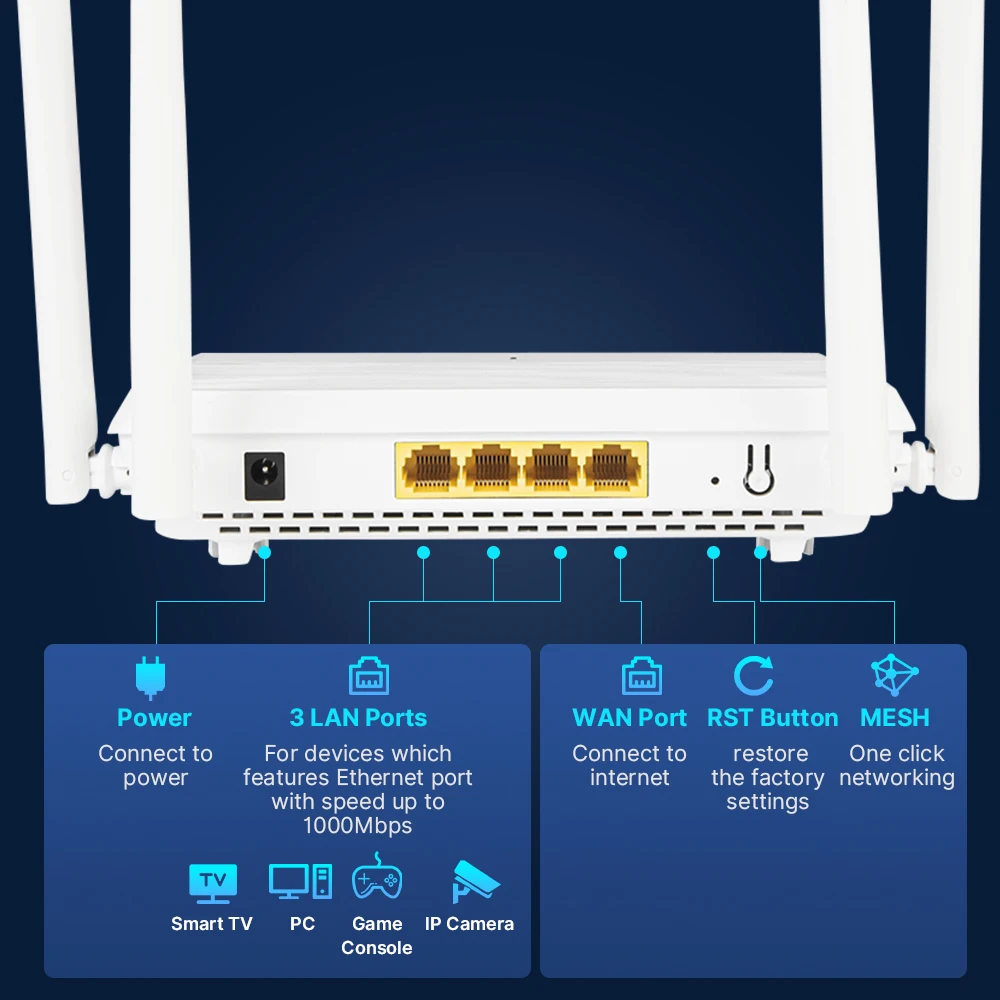
- WAN Ports: 1 x10/100/1000Mbps
- LAN Ports: 3
- Function: Firewall
- Application: Soho
- Package: Yes
- Standards And Protocols: Wi-Fi 802.11g,Wi-Fi 802.11b,Wi-Fi 802.11n,Wi-Fi 802.11ac
- Wireless transmission rate: 3000M
- Support Mesh: Support
- Frequency: 5 GHz
- Antenna Type: Retractable
- Recommended Uses: Home
- Wireless Communication Standard: 802.11.ax
- Frequency Band Class: Dual-Band
- Model Name: FV-AX3000WR
- With Modem Function: No
- Type: WireLess
- Brand Name: fenvi
- Origin: Mainland China
- Certification: CE
- Wi-Fi 6 Router: Dual-Band 3000Mbps Router
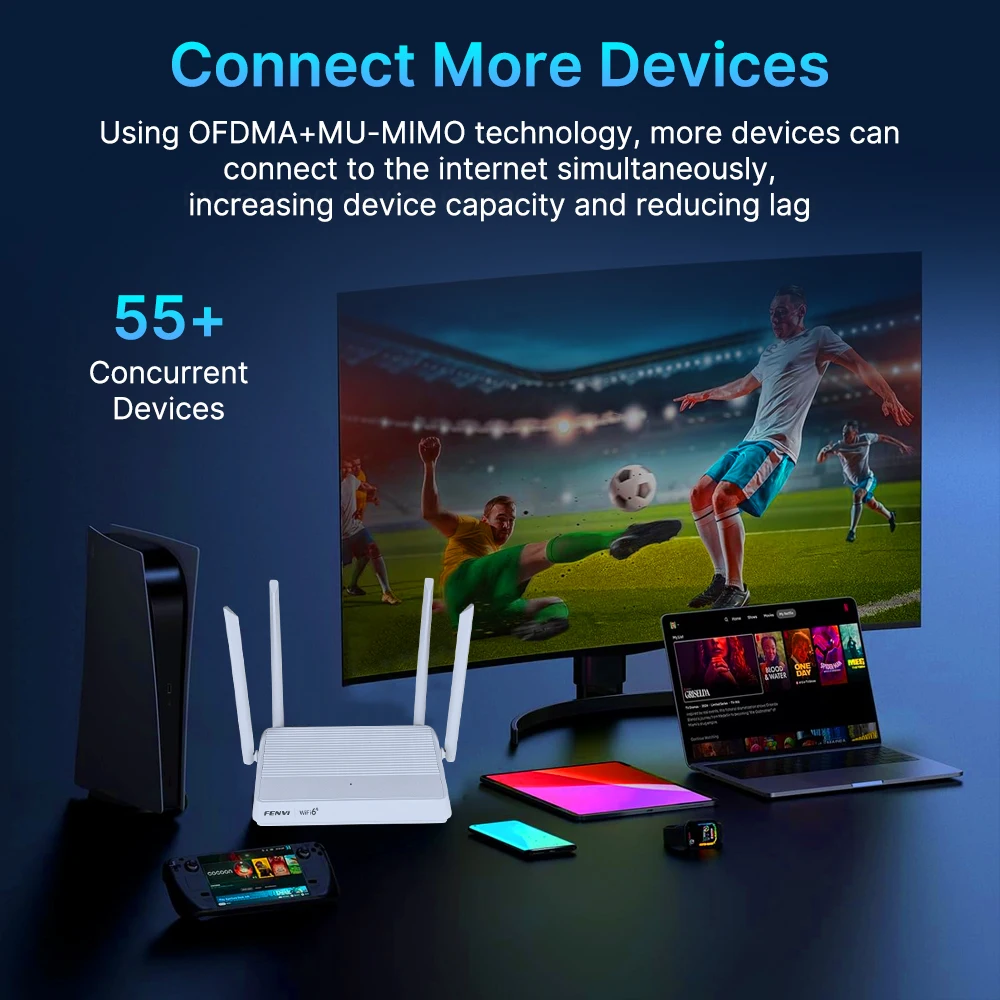
- Mesh WiFi 6 System: MU-MIMO Router for Multiple Devices
FENVI AX3000 WIFI6 Router Gigabit 2.4G/5GHz 802.11AX Wireless Signal Amplifier Booster WPA3 EasyMesh Gigabit 5G Router For Home Office
Specifications:
Standards:IEEE 802.11ax/ac/n/a 5 GHz
IEEE 802.11ax/n/b/g 2.4 GHz
Operating Frequency:2.4~2.4835GHz,5.150GHz ~ 5.850GHz
Channel:2.4G:1~13
5.8G:36,40,44,48,52,56,60,64,149,153,157,161,165
Encryption:WPA-PSK/WPA2-PSK、WPA3-SAE、WPA3-SAE/WPA2-PSK2
Buttons:RESET,WPS/MESH
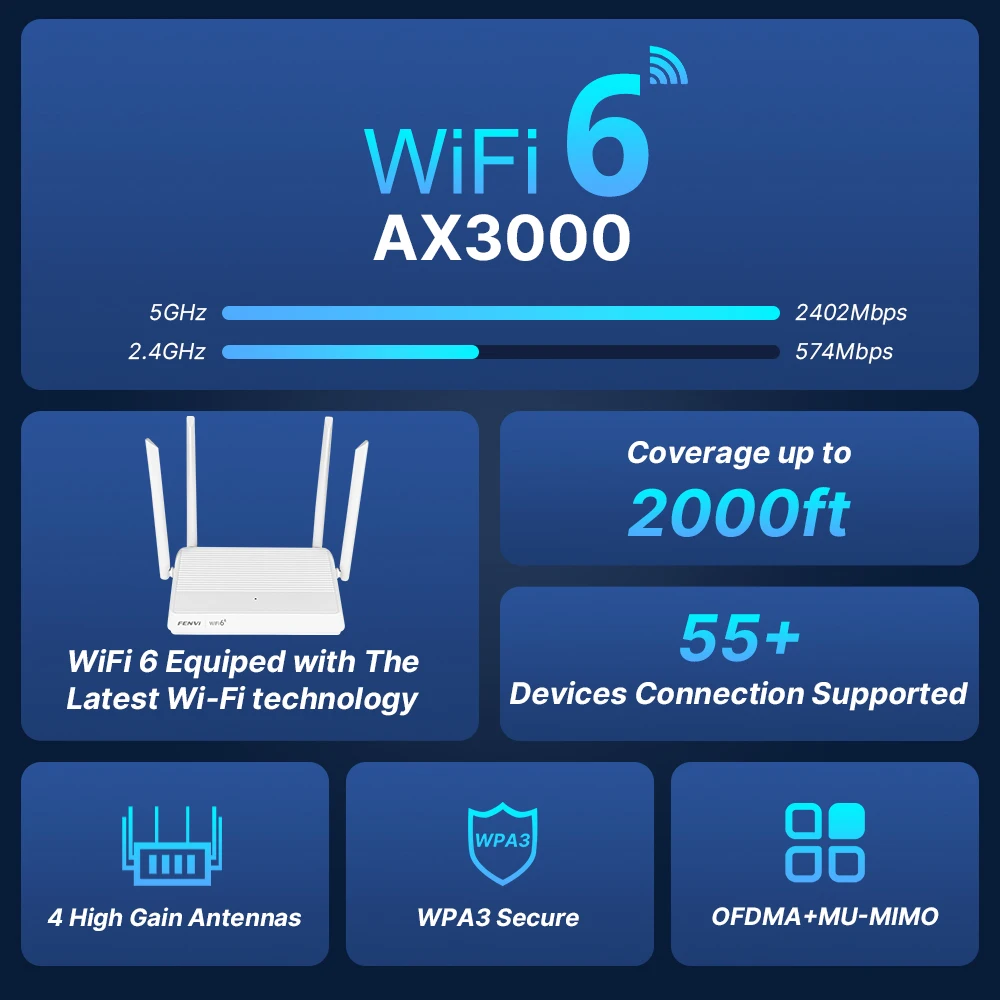
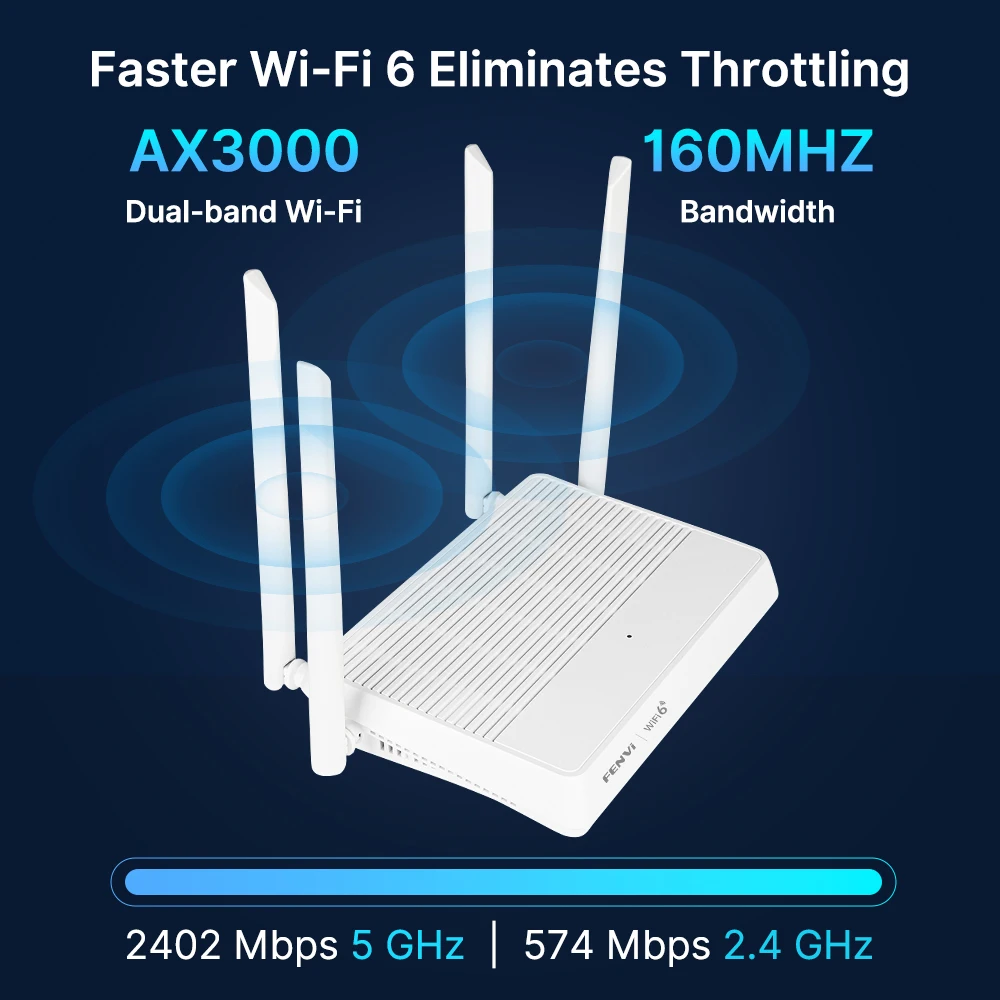
Super Fast Speed: AX3000 Dual-Band Router (5GHz: 2402Mbit / s + 2.4GHz: 574Mbit / s)
●The next generation Whole-Home Mesh Wi-Fi
System.
●Support 802.11ax Wave2 MU-MINO + Beamforming Technology.
●Universally complies with IEEE 802.11ax,IEEE
802.11ac, IEEE 802.11n, IEEE 802.11g and IEEE
802.11b standards.
●WLAN 802.11ax for wireless high-speed access up
to 3000Mbps, ideal for video streaming, online gaming and Internet calling.
●Easy one-touch WPS establishing with WPS
button.
●User interface supports free WEB software updates.

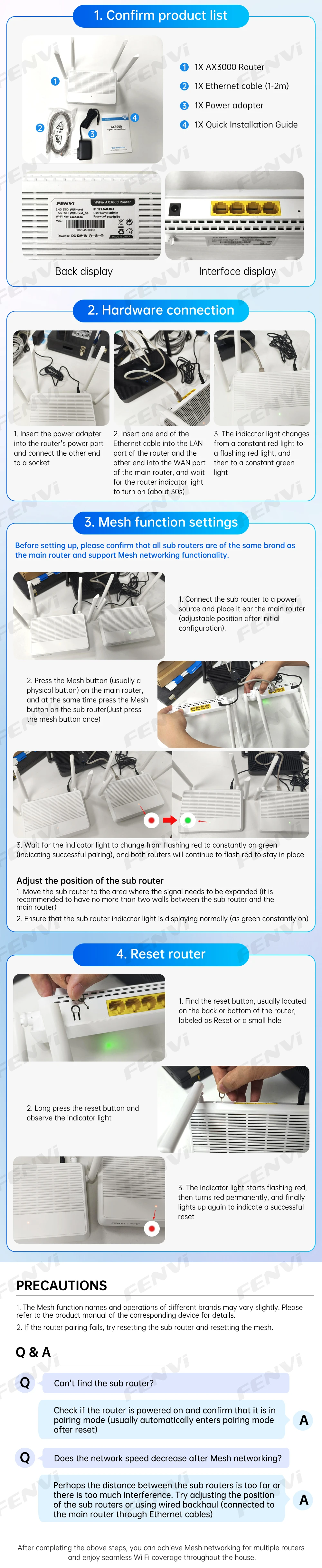
Frequently Asked Questions:
Q1: The signal of the router is not very good, what should I do?
A1: Place the router in a central location to ensure wider signal coverage.
Avoid placing the router near metal objects or electrical equipment to reduce signal interference.
Q2: Does it support multi-device connection?
A2: It supports connecting to multiple devices at the same time, and can connect to multiple devices such as smartphones, tablets, laptops, and smart home devices.
Q3: Is there any security protection?
A3: Provide network security functions, such as firewall, WPA2 encryption, etc., to protect the network from malicious attacks and unauthorized access.

Reviews
There are no reviews yet.