

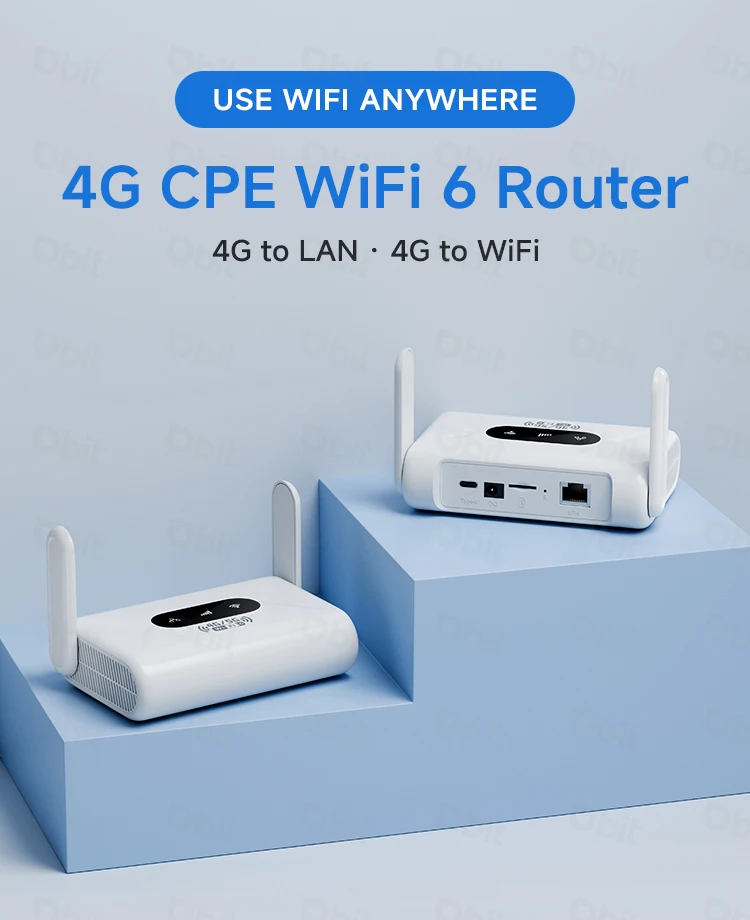
WiFi6 Router 4G LTE Router 300Mbps Modem 4G WiFi Portable Router Compatible with Non-Contract 5G SIM Cards Plug and Play
Original price was: د.إ164.61.د.إ132.11Current price is: د.إ132.11.
- High-concerned chemical: None
- Wired Transfer Rate: 10/100Mbps
- Wi-Fi Transmission Standard: 802.11n
- 2.4G Wi-Fi Transmission Rate: 150 Mbps
- Wi-Fi Supported Frequency: 2.4G
- Supports WPS: Yes
- WAN Ports: 0
- LAN Ports: 1
- Application: Mini Wifi
- Package: Yes
- Standards And Protocols: Wi-Fi 802.11g,Wi-Fi 802.11b,Wi-Fi 802.11n
- Wireless transmission rate: 300m
- Support Mesh: Not Supported
- Frequency: 2.4 GHz
- Antenna Type: Fixed
- Recommended Uses: Home
- Wireless Communication Standard: 802.11.ax
- Frequency Band Class: Single-Band
- Max. LAN Data Rate: 300Mbps
- With Modem Function: No
- Type: WireLess
- Brand Name: DBIT
- Origin: Mainland China
- Internet Protocol: Support IPv4 IPv6
- Product Type 1: CPE Router
- Product Type 2: WiFi 6 Wireless Router
- Product Type 3: Mobile Hotspot
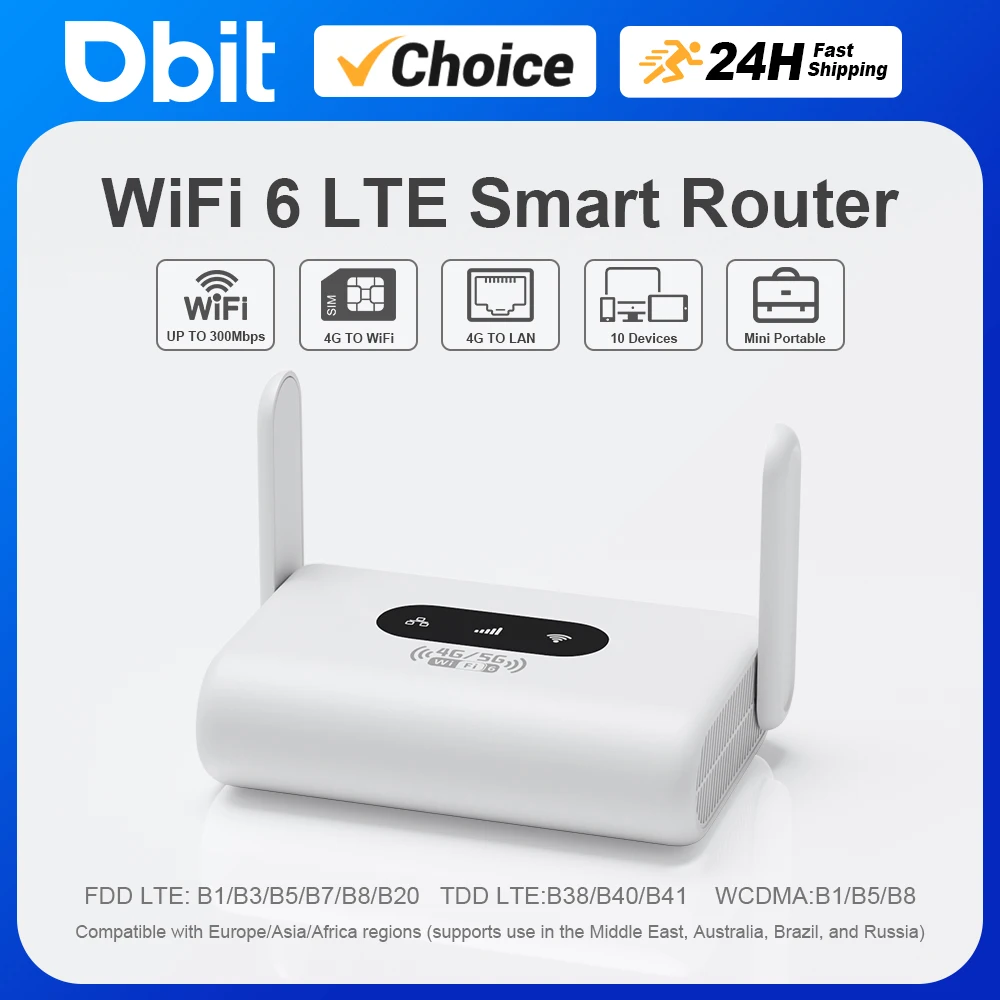
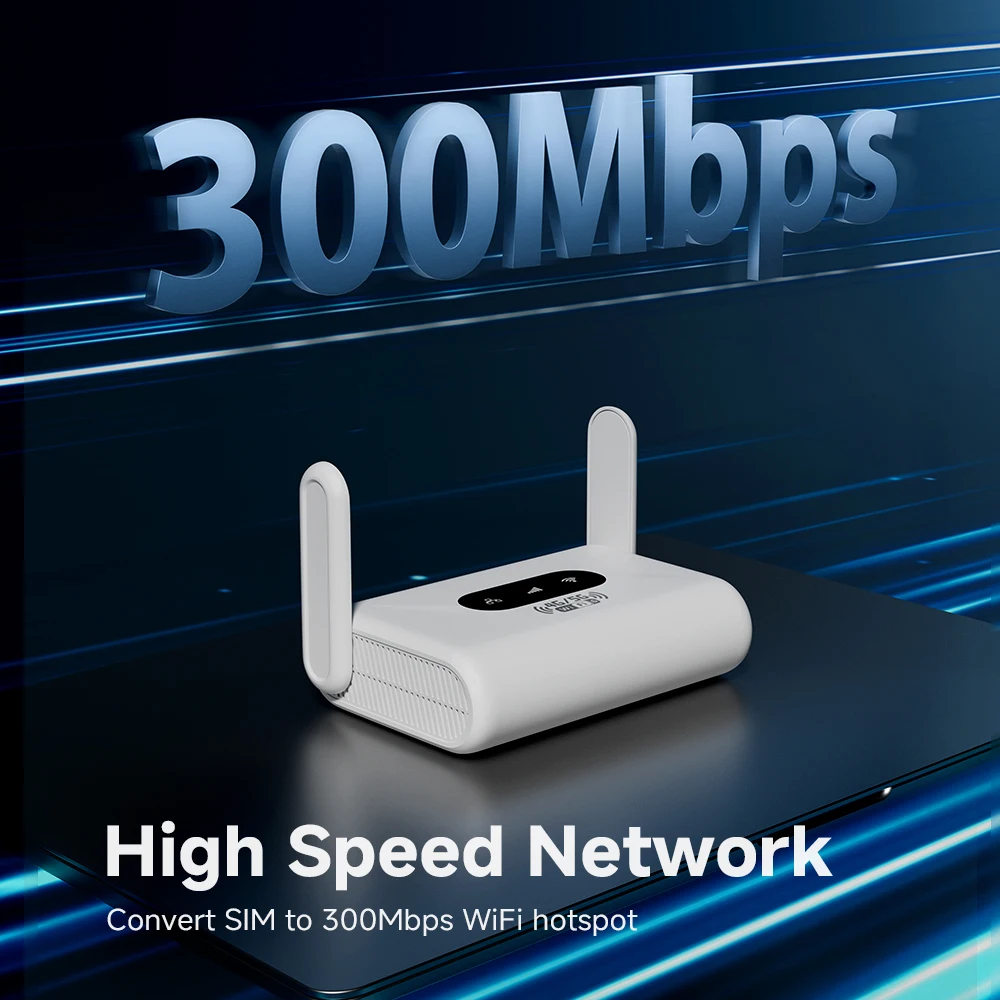
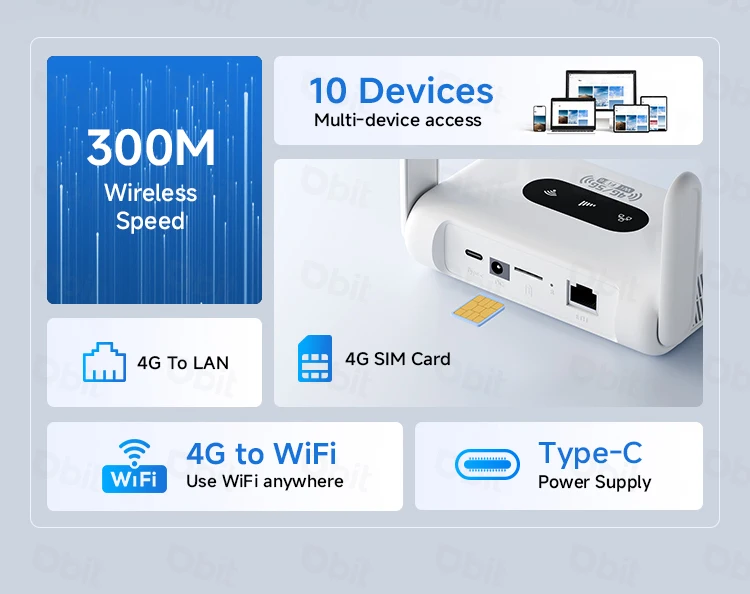
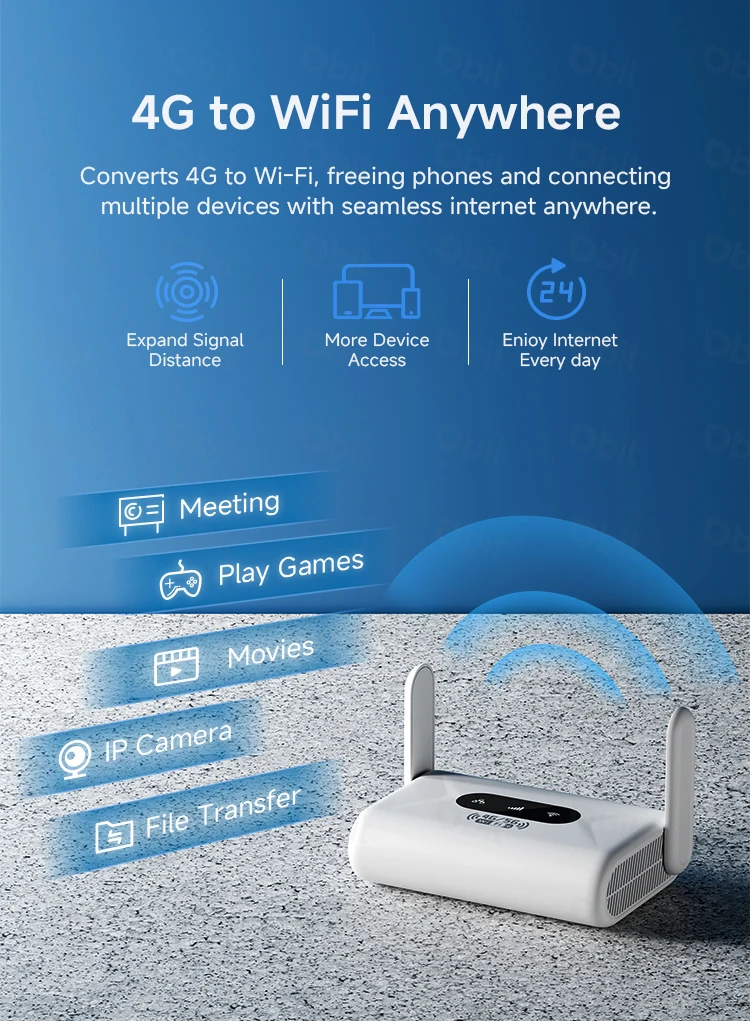
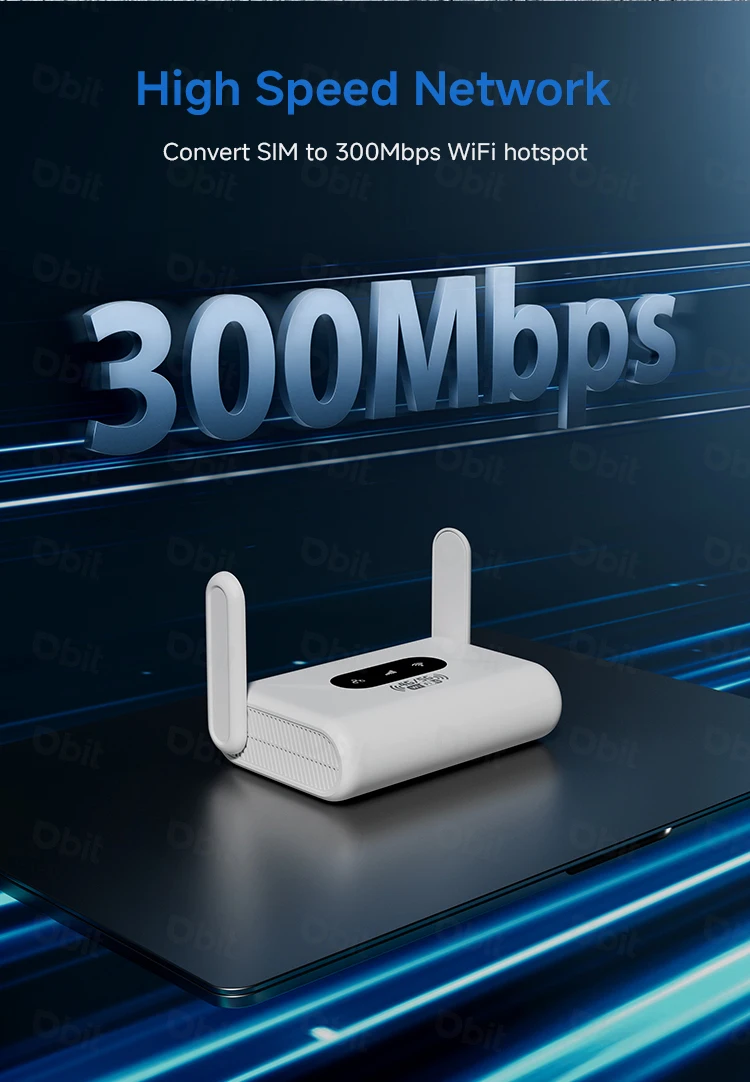
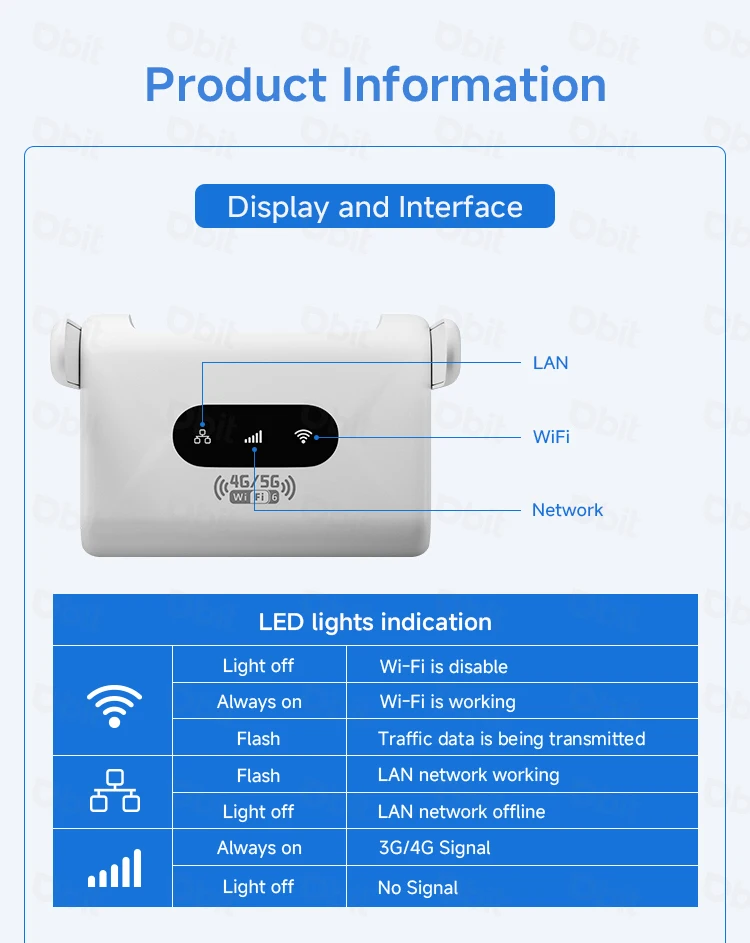
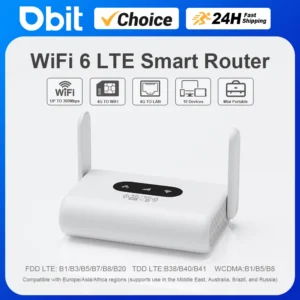
*High-Speed Wi-Fi Transmission: The DBIT WiFi6 LTE Smart Router utilizes a 2.4GHz WiFi 6 high-speed chip, delivering a maximum Wi-Fi speed of 300 Mbps.
*Enhanced Antennas: Equipped with 2 external foldable antennas to boost signal reception and transmission, ensuring stable and reliable wireless coverage.
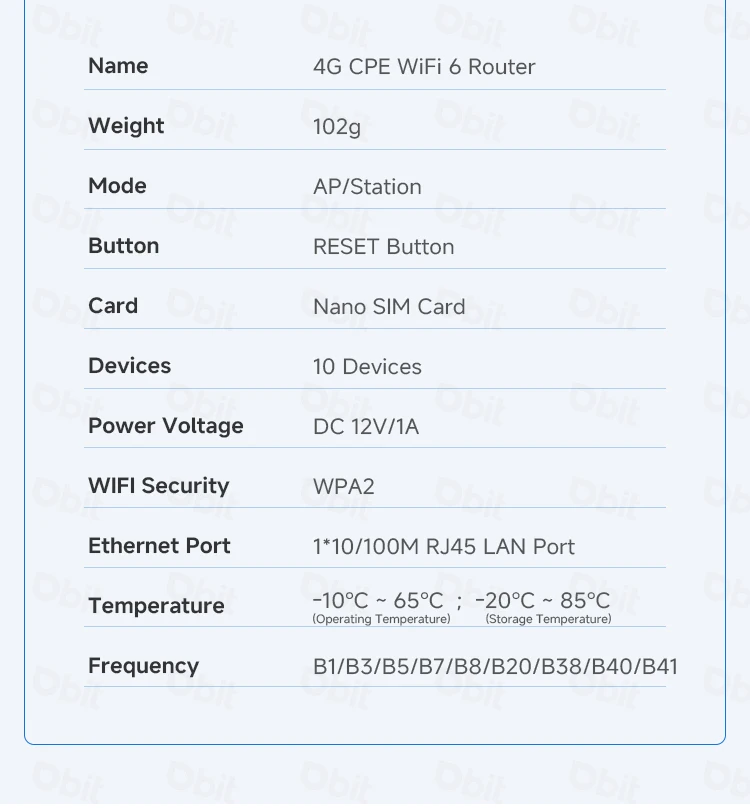
*High Device Capacity: The 4G LTE modem router supports up to 10 connected devices, meeting the connectivity needs of multiple devices simultaneously.
*Advanced Security: Features firewall functionality and supports IPv4/IPv6 network protocols, providing efficient networking with an added security layer to guard against potential threats.
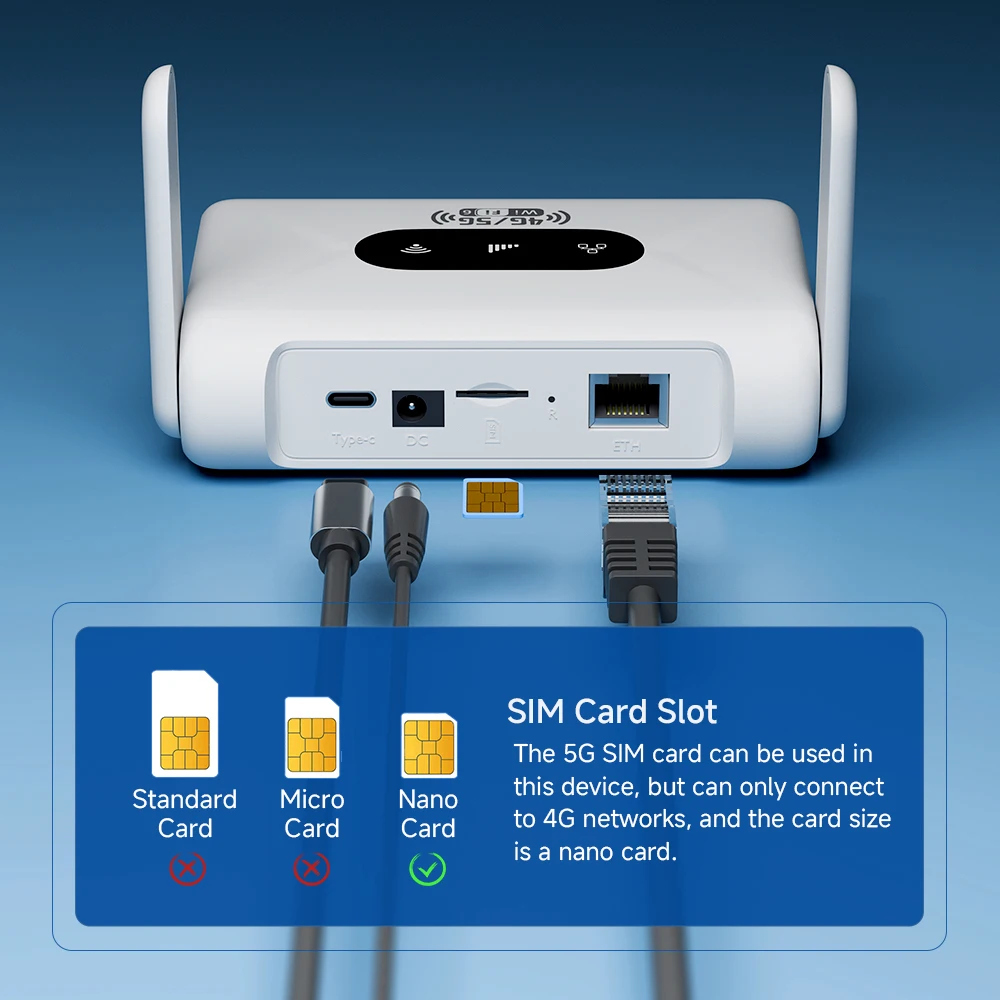
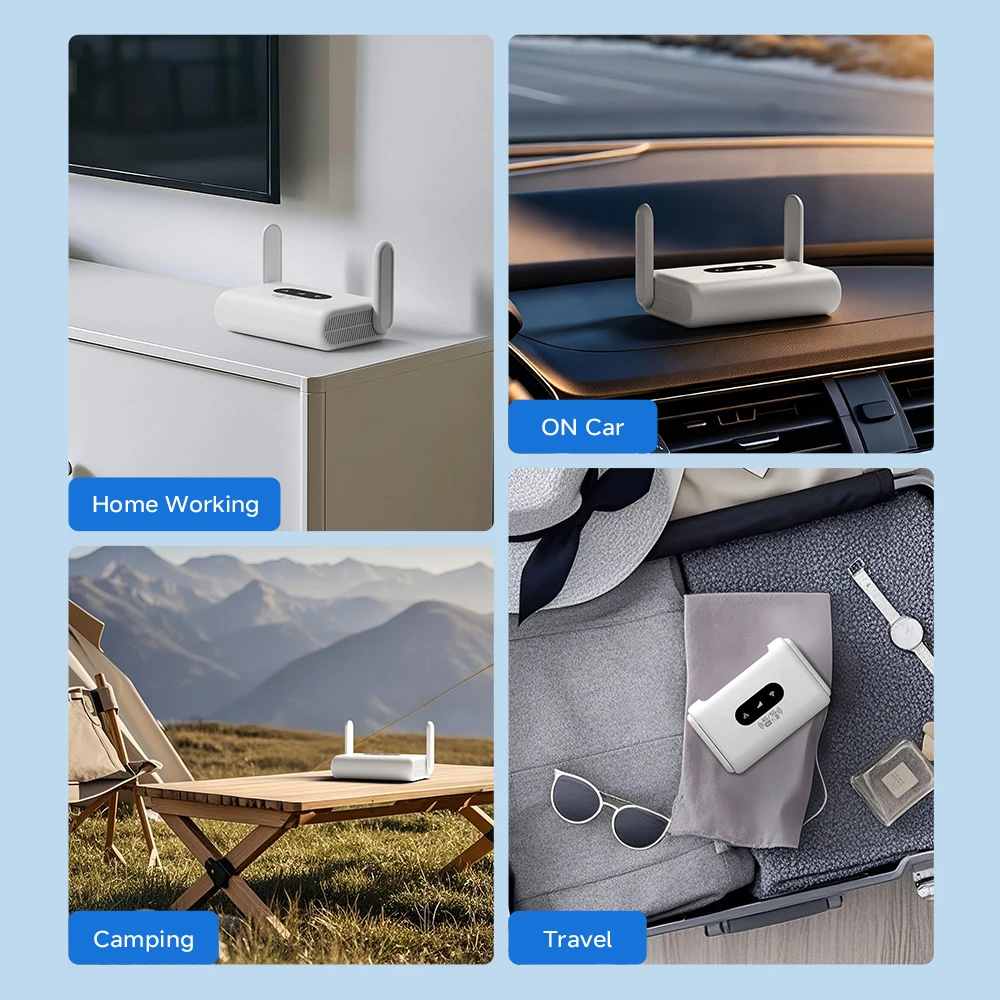
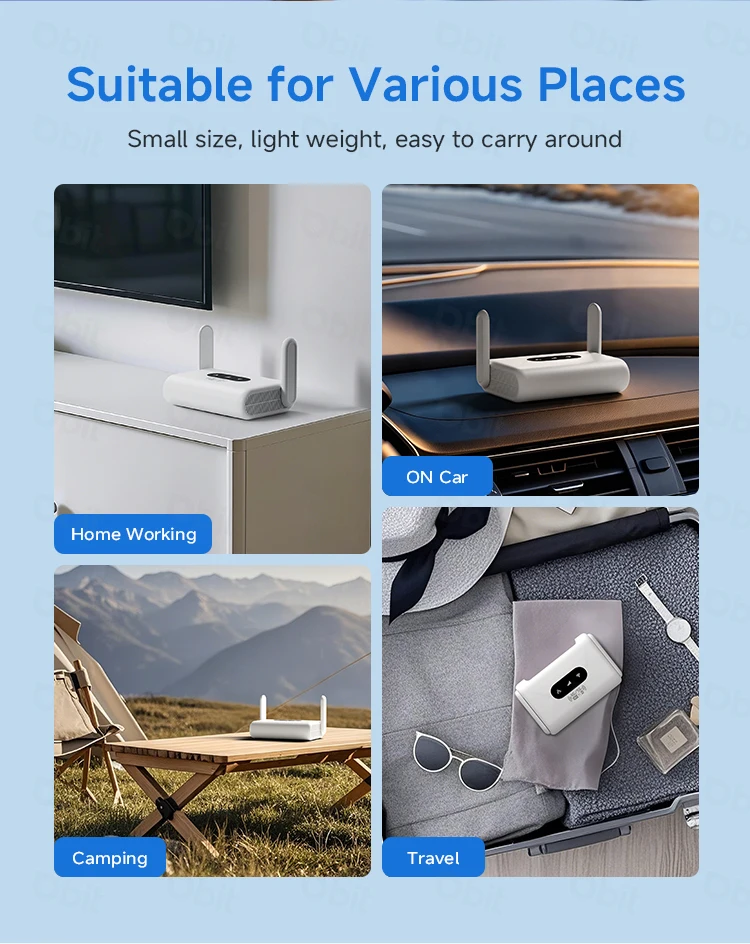
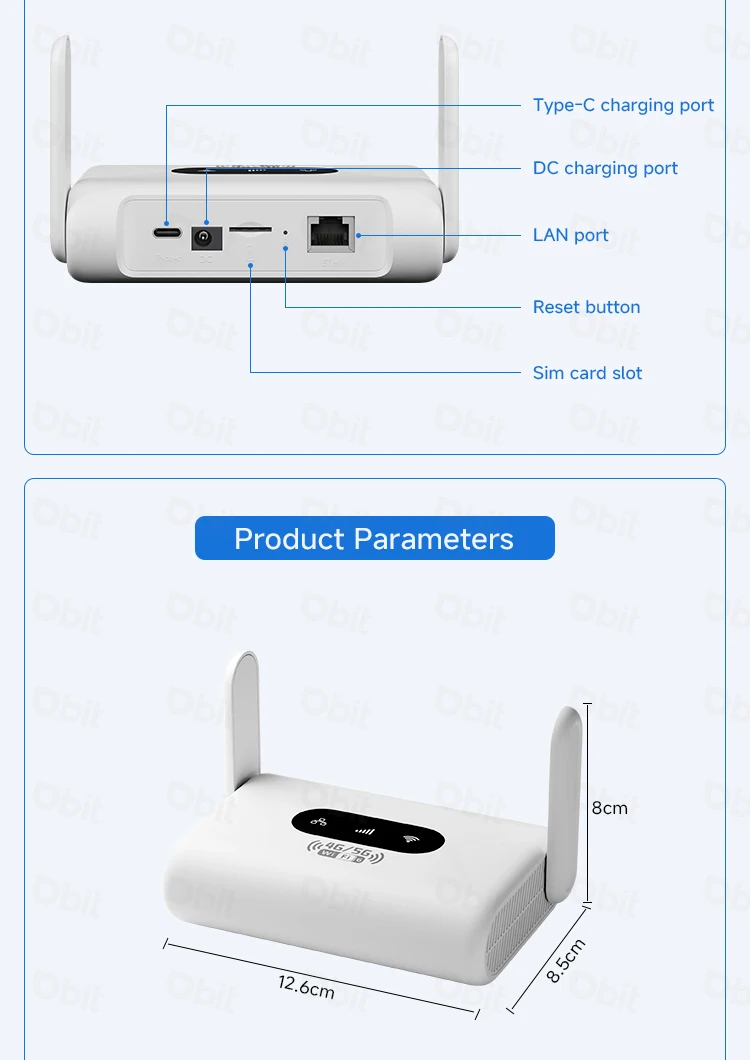
*Compact & Portable: Mini-sized design with DC and Type-C power ports, supporting multiple power supply options. Easy setup for seamless connectivity in home, travel, outdoor, or office scenarios.
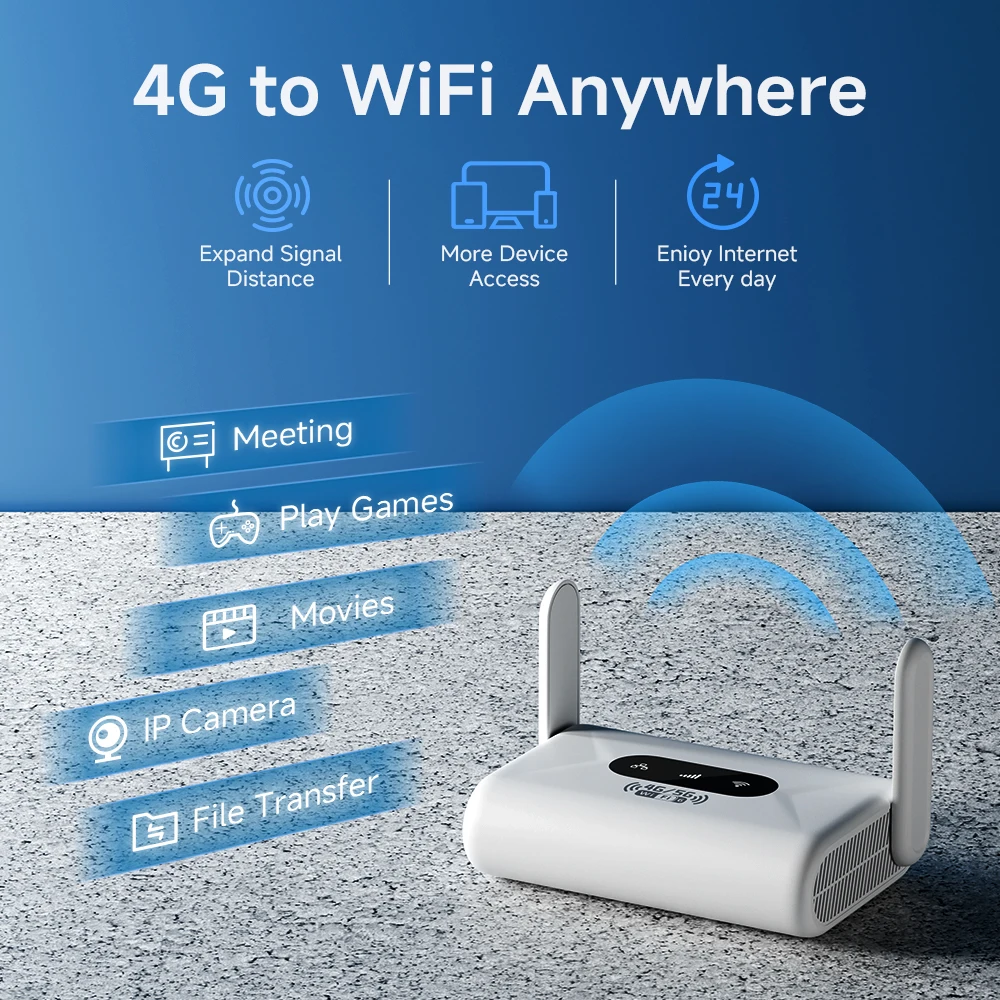
*Broad Compatibility: Supports mainstream carrier frequency bands in Europe, Asia, and Africa. Compatible with non-contract 5G SIM cards for high-speed 4G-to-WiFi conversion.
Asia/Europe Version (EU Plug):
FDD: B1/B3/B5/B7/B8/B20
TDD: B38/B40/B41
WCDMA: B1/B5/B8
Applicable to all regions in Europe, Asia, and Africa, including the Middle East, Brazil, France, Ghana, India, Israel, Italy, Kazakhstan, the Netherlands, Nigeria, Poland, Russia, South Korea, Spain(Does not support SpainDigi Mobil SIM Card ), Switzerland, Ukraine, etc.
Important Notes:
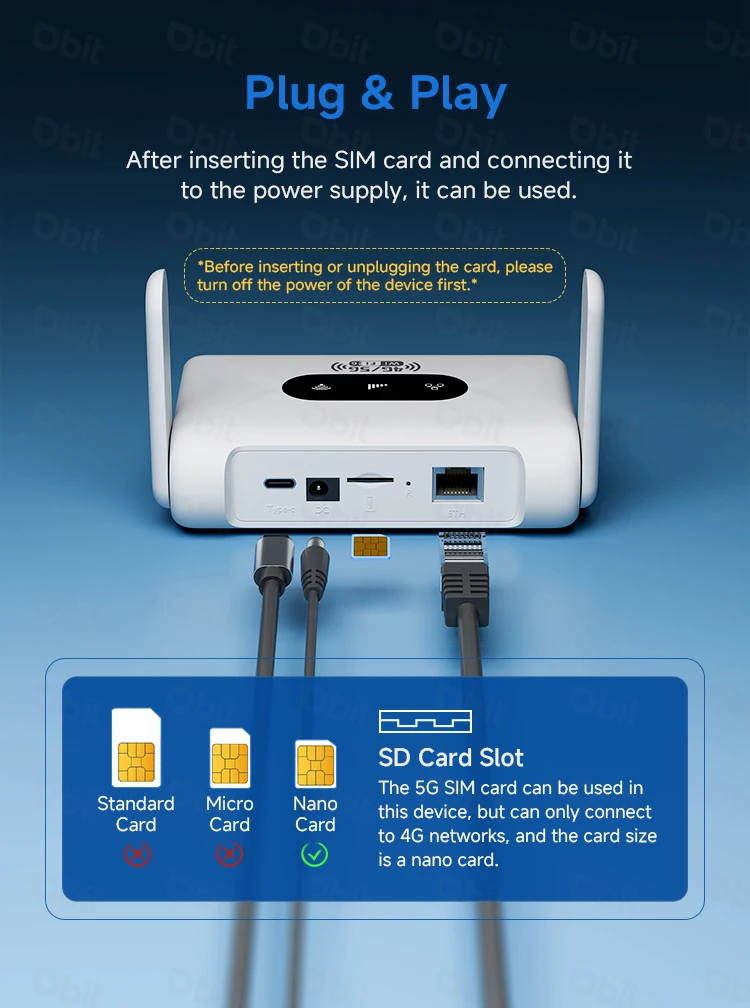
*The router is compatible with non-contract 5G SIM cards but does not support 5G bands (4G bands only). Before purchase, verify your region’s mainstream frequency bands using the global frequency band chart and select a SIM card that matches the router’s supported bands. The more bands covered, the more stable your network signal.
*Hot-swapping is not supported. Always insert the SIM card first, then connect the power supply and wait for the system to auto-detect. Failure to follow this order may cause recognition errors or no network connection.
*All routers require network configuration (via network cable or SIM card). If you encounter issues, refer to the setup guide at the bottom of the product details page or contact online support for professional assistance.
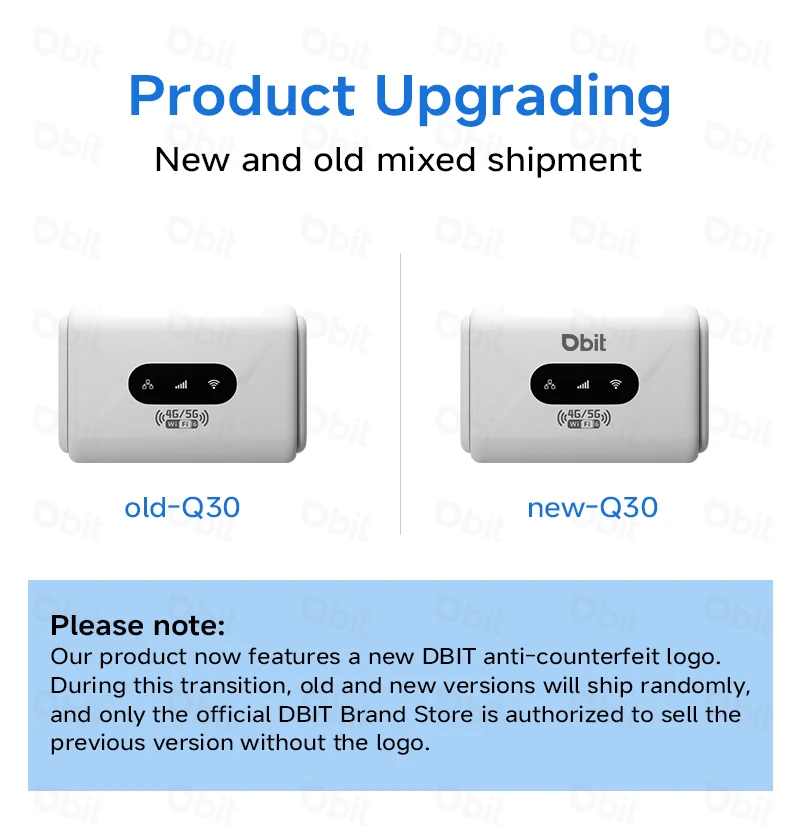
*The product has been completely upgraded. Starting with the batch from November 1, 2025, this product will feature the DBIT anti-counterfeiting logo. During the transition period, the old and new versions may be shipped randomly, and only the official DBIT brand store is authorized to sell the old version without the logo.



FAQ:
Q: What is included in the package?
A:1× Router host;1× EU DC Power;1× Network cable (1 meter);1× English manual
Note: This package does NOT include a SIM card.
Q: What is the router’s maximum speed?
A: The router’s maximum theoretical wireless WiFi speed is 300 Mbps.
FDD-LTE (DL/UL): 150 Mbps / 50 Mbps
HSPA+ (DL/UL): 21 Mbps / 5.76 Mbps
Note:
The router’s speed parameters are laboratory-tested theoretical values. Actual network speeds are not fixed and may vary every second. Internet distribution via the SIM card depends on environmental factors (e.g., signal strength, interference), causing significant speed differences. For real-time speed data, check the web management interface homepage.
Q: How to set up internet quickly?
A:
Confirm SIM card validity (band compatibility & active data plan).
Insert the SIM into the router's slot (ensure correct orientation).
Connect the power supply and wait for system recognition (~1-2 minutes).
Connect to the router's WiFi and enter the password (found on the router's bottom label).
Verification method:
Use a WiFi-connected device to log in to the router's web management interface.
Check the status icon in the top-right corner:
Red "X" = Network error. Red SIM icon = SIM not recognized. All blue = Normal operation.
Note: The device MUST be connected to the router's WiFi to access the web interface. 90% of issues can be self-diagnosed via the interface. After configuration changes, reboot the router and reconnect to WiFi.
Q: Is it compatible with any SIM card?
A:The router supports full-frequency coverage in Europe/Asia/Africa and works with standard SIM cards from all carriers.
Does NOT support contract-bound SIM cards (locked to specific devices or inactive).Verify band compatibility between the router and SIM card using the global frequency chart.
Tip: Use mainstream SIM cards from large carriers to minimize manual configuration (some regional carriers update bands frequently).
Q: What if I forgot the username and password? (How to reset the router?)
A: If you forget your username/password or encounter errors preventing access to the web management interface, press and hold the reset button on the device for 10 seconds (while powered on). Release the button to restore the router to factory default settings.
Q: Can’t find the router’s Wi-Fi signal?
A:
*Connect a computer to the LAN port via network cable.
*Log in to the router’s management interface, navigate to Advanced Settings -> WLAN Settings -> WLAN Basic Setup, and ensure the WLAN function is enabled.
*If no computer is available, reset the router (see previous question).
Q: Router lights are on with data transmission, but the speed is slow?
A:Network speed varies due to peak-hour congestion or signal interference in crowded areas.
Optimize speed by:
Placing the router near a window or in a strong signal area.
Avoiding obstacles or interference sources (e.g., microwaves, refrigerators, thick walls).
Reducing distance between devices and the router.

Reviews
There are no reviews yet.